Arriving in China this November 2026? Whether you are bracing for the crisp autumn winds of Beijing or the lingering warmth of Guangzhou, your very first survival step in the country is establishing your digital wallet.
China is overwhelmingly a cashless society. Relying solely on paper currency will leave you deeply frustrated at coffee shops, taxi ranks, and convenience stores, where cashiers may not even have physical change in their registers.
For international visitors, Alipay (zhīfùbǎo / 支付宝) remains one of the two absolute pillars of daily commerce. While older systems like the original “Tour Pass” required you to load funds onto a cumbersome prepaid virtual Bank of Shanghai card, the 2026 ecosystem is far more streamlined. Today, the standard protocol is direct foreign credit card binding.
Here is the stepwise, highly practical overview on how to set up Alipay as a foreigner, verify your identity, bypass the common technical glitches, and navigate the nuances of China’s premier payment system.
Step 1: Download, Register, and Secure a Connection
Before you even attempt to bind a card, download the international version of the Alipay app from your device’s app store (Apple App Store or Google Play Store). Do this while you are still in your home country.
You can register using your home country’s mobile number, but receiving international SMS verification codes while roaming can sometimes be delayed or blocked by your carrier. Registering on your home Wi-Fi ensures you get the initial text message without issue.
Furthermore, if you plan on staying longer than a few days, getting a local data connection will make the Alipay experience significantly smoother. Relying on patchy hotel public Wi-Fi to load your payment QR code at a busy checkout counter is a stressful experience. To ensure your payment codes load instantly everywhere you go, read our in-depth guide on China eSIM and Local SIM for Foreigners 2026: Airport, Apps, and Coverage.
Step 2: Identity Verification Pitfalls and Solutions
To use Alipay for payments beyond just basic app browsing, you must complete real-name verification (实名认证). Navigate to Account > Settings > Account and Security > Identity Information.
You will be asked to scan your passport’s biometric photo page and complete a quick facial recognition scan using your phone’s front-facing camera. In 2026, this process is largely automated, but foreigners frequently run into a few common pitfalls that can lock their accounts:
Name Mismatches: Ensure your name is entered exactly as it appears in the machine-readable zone (the bottom two lines of text with the chevrons <<<) of your passport. Middle names are a notorious sticking point. If your bank card does not have your middle name but your passport does, the system may occasionally flag it. Always defer to the passport layout for your core identity profile.
Glare and Lighting: The app’s OCR (optical character recognition) software is highly sensitive to the holographic security overlays on modern passports. Scan your passport in natural, diffused lighting. Avoid using your phone’s flash, which will immediately blind the camera and cause a rejection.
Facial Scan Failures: When doing the facial scan, remove glasses, hats, and heavy scarves. Ensure your face is well-lit.
Processing Delays: While facial recognition usually approves accounts instantly, if the AI cannot read your passport clearly, it will kick it to a manual review, which can take up to 24 hours. This is why you must set your account up before you board your flight to China.
Step 3: Binding Your Foreign Credit or Debit Card
Once your identity is verified, navigate to Bank Cards and tap Add Card. You can seamlessly bind major international credit and debit cards, including Visa, Mastercard, JCB, Discover, and Diners Club.
The “Pass-Through” Mechanism: You are no longer loading money into a digital Alipay balance. Instead, Alipay acts as a pass-through payment gateway. When you scan a QR code at a noodle stand, Alipay instantly charges your linked Visa or Mastercard in the background.
The 3% Fee Rule: For everyday purchases under 200 RMB (approx. $28 USD)—such as buying milk tea, paying for a metro ride, or grabbing a convenience store snack—Alipay waives all transaction fees. However, any single transaction exceeding 200 RMB will incur a 3% platform fee.
Home Bank Anti-Fraud Triggers: The biggest reason a foreign card fails in Alipay isn’t Alipay itself; it’s your home bank. Suddenly receiving a charge from “ALIPAY*SHANGHAI” will often trigger automated fraud alerts. Call your bank before you travel and specifically tell them to authorize charges from Alipay in China.
How to Pay Offline: Scan vs. Show Code
Once your card is bound, you are ready to spend. Paying offline involves two main methods, both accessible instantly from the blue bar at the top of the Alipay home screen:
Scan (扫一扫)
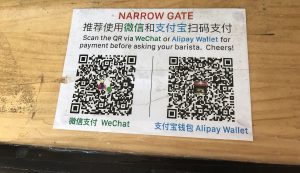
You open the scanner and point it at the vendor’s printed QR code, which is usually taped to their counter or displayed on a small plastic stand. After scanning, you manually type in the purchase amount in RMB on your phone, show the screen to the vendor so they can verify the number, and hit pay. This is common at small mom-and-pop shops, street food stalls, and independent taxis.
Pay/Collect (Show Code / 付钱)
You tap this icon to generate a unique, constantly refreshing barcode and QR code on your screen. The cashier takes their POS scanner gun and physically scans your phone screen. This is the fastest method and is used in almost all supermarkets, chain convenience stores (like 7-Eleven or FamilyMart), and larger restaurants.
Pro Tip: You can actually use the “Pay/Collect” code offline! If your cell data drops out while you are in a basement-level supermarket or a deep subway station, the dynamic code will still generate. Once the vendor’s scanner reads it, the transaction will process securely via the store’s network.
Using Alipay for Public Transit and Ride-Hailing
Beyond buying things, Alipay acts as a master key for moving around Chinese cities. Inside the app, you will find “Mini-Programs”—apps within the app that use your linked foreign card.
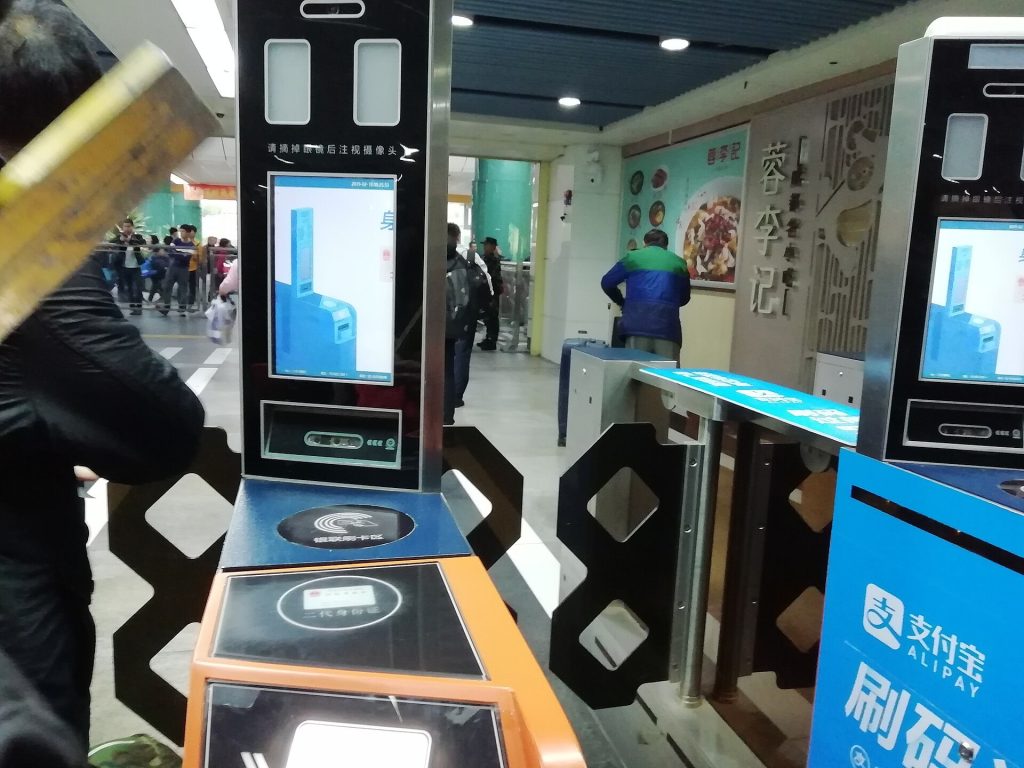
The Transport Code (出行): Tap “Transport” on the home screen to access city-specific transit codes. Whether you are taking the Beijing Subway or a bus in Chengdu, you can generate a QR code to swipe through the metro turnstiles. The fare is automatically deducted from your linked Visa/Mastercard. You will need to “activate” the transit card for each new city you visit, which takes about 10 seconds.
DiDi Ride-Hailing (滴滴出行): DiDi is China’s Uber. Instead of downloading a separate app, you can search for the “DiDi” mini-program inside Alipay. Because Alipay already has your payment info and identity verified, you can immediately start calling cars. The app translates your English interface directly to the driver’s Chinese interface seamlessly.
The Limits: What Fails Without a Chinese ID
Direct card binding is an incredible lifesaver for tourists, but it is not a 1:1 equivalent of having a mainland Chinese bank account and a Chinese Resident ID card. Be prepared for the following strict limitations:
No P2P (Peer-to-Peer) Transfers: You cannot send “red packets” (hongbao) or directly transfer money to a friend’s Alipay balance. The system only permits payments to registered commercial merchants. If you need to split the cost with a friend who used their local account to Book China High-Speed Rail on 12306 as a Foreigner (2026 Hub), you will have to pay them back in physical cash or via a home-country app like PayPal or Venmo.
No Balance Top-Ups: You cannot add funds to your Alipay “Balance.” The balance will remain at 0.00 RMB, which is perfectly normal, as your linked card acts as the funding source.
Financial Products: Access to Yu’ebao (wealth management) and micro-loans are strictly off-limits to tourists.
Highly Localized Mini-Programs: While popular mini-programs like DiDi and local transit codes integrate beautifully with foreign cards, highly localized community mini-programs (like hospital registration systems or residential access gates) may reject a transaction if it requires a domestic ID validation in the backend.
Frequently Asked Questions (FAQ)
Q: Do I need a Chinese phone number to register for Alipay?
A: No. You can register using your home country phone number (e.g., a US, UK, or Australian number). Just ensure you have international roaming enabled temporarily so you can receive the initial SMS verification code during setup.
Q: What do I do if my payment fails at the checkout?
A: First, do not panic. Nine times out of ten, a failed payment is because your home bank flagged the transaction as fraudulent. Open your banking app and look for an SMS or push notification asking you to “Confirm this charge.” Once you confirm it, ask the cashier to scan your code again. Having a backup card linked in Alipay is highly recommended.
Q: Can I use Alipay to get cash from an ATM?
A: No. Alipay is a digital payment gateway, not a bank. To withdraw physical Chinese Yuan (RMB), you will need to use your physical foreign debit card at a major Chinese bank ATM (such as ICBC, Bank of China, or China Construction Bank).
Q: Is there an English version of Alipay?
A: Yes. Alipay has an excellent built-in translation engine. If the app does not default to English based on your phone’s system settings, go to Settings > General > Language and select English. Even Chinese-only mini-programs within Alipay have a dedicated “Translate” button that hovers on the screen.
Q: How do I get refunds if I return an item?
A: If a merchant issues a refund, the money is routed back through Alipay directly to the foreign credit or debit card you used for the purchase. It typically takes 3 to 7 business days to reflect on your home bank statement.
The Complete Cashless Strategy
Relying on a single payment app while traveling in China is a risky game. Network APIs experience downtime, and occasionally, a specific vendor’s merchant code might not play nicely with Alipay’s foreign card clearing system.
To ensure you are never left unable to pay for your meal, you must set up the other half of China’s digital payment duopoly: WeChat Pay. Setting up both apps and linking your cards to each drastically reduces your chances of being stranded at the checkout counter. For the complete picture on how to secure your secondary wallet, dive into our companion guide on How to Add a Foreign Card to WeChat Pay in China 2026.
Related Lovely China guides
- How to Use Amap (Gaode Maps) in China as a Foreigner: 2026 English Guide
- How to Use Didi in China as a Foreign Visitor 2026
FAQ
Is this guide current for late 2026?
It reflects commonly reported practice as of October 2026. Always re-check official sources before you travel, because rules, ticket platforms and seasons change.
Where can I verify details?
Use the official website, WeChat account or ticket platform named for this topic. For payments and maps, see Lovely China’s practical visitor guides linked above.
What if my situation is unusual?
Ask your hotel, airline, park ticket office or embassy/consulate for case-specific advice rather than relying only on a blog post.