If you are planning a trip, a study abroad program, or a business venture to mainland China, downloading and configuring WeChat is the single most important step you can take. In China, WeChat (Weixin, 微信) is far more than a simple messaging application. It functions as a sprawling digital ecosystem—the ultimate super-app—that handles instantaneous text and video communication, public transit boarding, restaurant ordering, high-speed rail ticketing, utility payments, and, most importantly, daily commerce through WeChat Pay.
Historically, navigating China’s cashless digital economy as an international visitor required holding a local Chinese bank account and a mainland telephone number. Fortunately, the digital landscape has streamlined significantly. Tencent now allows international travelers and expatriates to link foreign credit and debit cards directly to WeChat Pay, bypassing traditional local banking roadblocks entirely.
This comprehensive guide breaks down everything you need to successfully set up, verify, and utilize WeChat as a foreigner in 2026, complete with practical troubleshooting tactics, fee structures, and internal navigation recommendations.
1. Downloading WeChat and Registering Your International Number
Before setting foot on a plane to China, you must download and configure WeChat while still in your home country. Trying to troubleshoot account registrations or SMS delivery failures on limited airport Wi-Fi after a long-haul flight is a recipe for immense frustration.
Step-by-Step Installation:
1. Download the Official App: Go to the Apple App Store (iOS) or Google Play Store (Android) and search for WeChat (developed by Tencent). Ensure you are downloading the mainstream global version.
2. Register with Your Overseas Number: Open the application, tap Sign Up, and select your country code to enter your regular international mobile phone number (US, UK, Canadian, Australian, European, etc., all work seamlessly).
3. SMS Verification: You will receive a text message containing a verification code. Input this code into the prompt to authenticate your device.
4. Set Up Your Profile: Choose a display name, upload a profile photo, and crucially, create your Weixin ID. Your Weixin ID is your permanent, unique handle (distinct from your phone number). Choose it carefully, as Tencent only permits users to change their permanent Weixin ID once.
> 💡 Pro Tip on Account Age: If you are setting up WeChat brand new for a trip, try to complete the registration process at least a week prior to departure. Freshly created accounts occasionally trigger automated anti-fraud security holds if they immediately attempt heavy financial transactions upon activation.
2. Linking Foreign Credit Cards to WeChat Pay Without a Local Bank Account
The breakthrough that revolutionized travel to China is the ability to bind mainstream international credit and debit cards directly to your WeChat digital wallet. You do not need a Chinese bank account, a local ID card, or a RMB balance to start spending.
Supported Card Networks
WeChat Pay accepts major international card networks for eligible overseas users, including:
* Visa
* Mastercard
* American Express (Amex support can occasionally vary by issuing bank)
* JCB
* Discover / Diners Club
Note: Virtual credit cards, single-use digital cards, and prepaid cards are frequently rejected by WeChat’s anti-fraud architecture. Stick to physical, standard bank-issued credit or debit cards.
How to Bind Your Card and Complete Real-Name Verification:
1. Open WeChat and tap Me in the bottom-right navigation bar.
2. Select Services (or Wallet depending on your app version).
3. Tap on Wallet, then select Cards (or Add Bank Card).
4. Input your international credit or debit card number, expiration date, CVV, and billing address details.
5. Real-Name Passport Verification: WeChat will prompt you to complete identity checks. Enter your full legal name exactly as it appears on the machine-readable zone of your passport, along with your passport number and nationality. You may be asked to upload a clean photo of your passport information page. Ensure there is no glare or cut-off text.
6. Create a secure 6-digit Payment PIN. This PIN will be required to authorize any subsequent transaction or peer-to-peer transfer.
3. Understanding Fees, Transaction Limits, and Financial Nuances
While linking a foreign card makes spending effortless, travelers should be mindful of how transaction sizes and fees are calculated:
* Transaction Limits: WeChat Pay enforces single-transaction and cumulative annual caps for foreign-card-backed wallets. While these limits are generous enough to effortlessly cover day-to-day dining, shopping, and high-speed rail tickets during a standard vacation or business trip, large expenditures (such as luxury hotel bookings) may occasionally require a traditional physical foreign credit card at the front desk.
* The 3% Transaction Fee Rule: For transactions exceeding ¥200 RMB, WeChat Pay typically applies a standard 3% foreign card processing fee. However, purchases or small merchant scans under ¥200 RMB are frequently structured to bypass this fee, and Tencent periodically rolls out promotional 90-day fee-waiver windows for first-time international card binders.
* Pro-Tip on Currency Conversion: Your credit card issuer will convert RMB charges back into your home currency. To avoid poor dynamic currency conversion rates, ensure your bank account is configured for international travel with low foreign transaction fees. (Many travelers prefer pairing WeChat Pay with specialized multi-currency travel cards like Wise to minimize conversion markups).
4. Practical On-the-Ground Usage: Scanning, Paying, and Mini-Programs
Once your card is verified and your wallet is active, using WeChat in China becomes second nature. There are two primary methods for executing payments at restaurants, convenience stores, taxis, and tourist attractions:
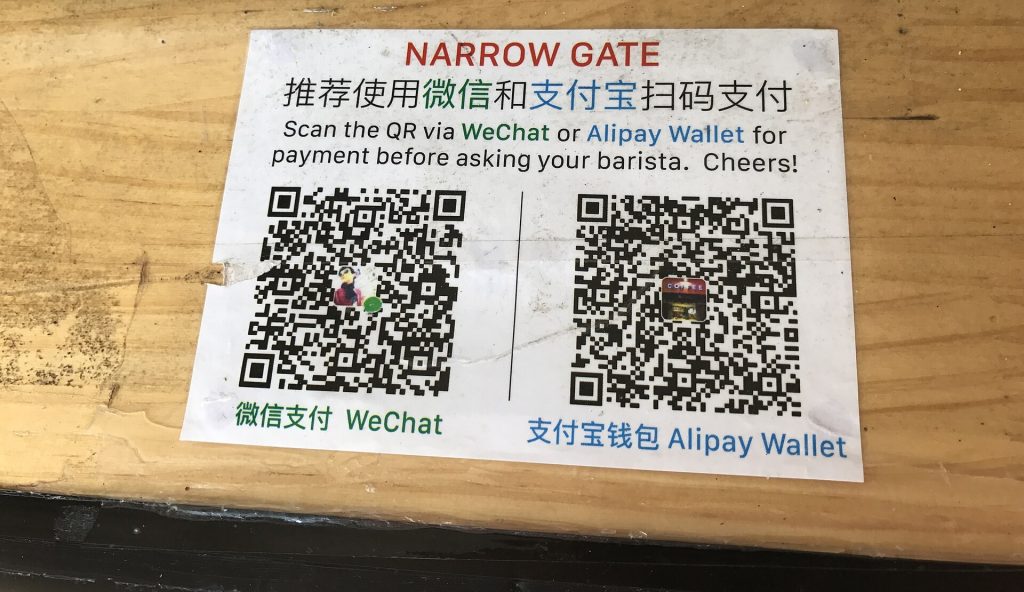
1. You Scan the Merchant: Open WeChat, tap the `+` icon in the top right corner, and select Scan. Point your smartphone camera at the merchant’s printed QR code, enter the exact amount requested in RMB, and confirm the transaction using your 6-digit payment PIN.
2. The Merchant Scans You: Go to Me > Services > Wallet > Receive Money (or tap Pay to show your dynamic payment barcode). Present this barcode to the cashier, who will scan it with their handheld terminal to deduct the funds instantly.
Leveraging WeChat Mini-Programs (Xiaochengxu)
One of WeChat’s most powerful features is its internal “Mini-Programs”—lightweight applications embedded directly inside WeChat that eliminate the need to download separate apps for everything. By searching inside WeChat, you can access:
* DiDi (滴滴出行): For calling metered taxis or rideshares seamlessly linked to your WeChat payment method.
* Railway 12306 / Trip mini-programs: To book high-speed bullet train tickets across China.
* Attraction Ticketing Portals: Many museums, temples, and national parks require advance digital booking via dedicated WeChat mini-programs.
5. Troubleshooting Common Setup Errors and Account Blocks
Even with careful preparation, digital onboarding can occasionally hit snags. If you encounter hurdles, consult the breakdown below:
| Common Issue | Probable Cause | Corrective Action |
| :— | :— | :— |
| Card Linkage Rejected | Bank fraud protection or unsupported virtual/prepaid card type. | Call your home bank ahead of time to whitelist travel to China. Try an alternative physical Visa or Mastercard. |
| Passport Verification Loop | Mismatched name spelling, middle name omissions, or blurry image uploads. | Re-enter your name character-for-character matching your passport’s machine-readable line. Ensure bright, glare-free lighting. |
| Account Security Freeze | Unusual behavior, abrupt high-value spending on a brand-new account. | Follow the app’s automated face-recognition or SMS verification steps. If locked completely, you may need a trusted contact to verify your identity. |
| Missing Wallet Menus | Outdated application version or regional app store mismatch. | Update WeChat to the absolute latest version available on the App Store or Google Play. |
Frequently Asked Questions (FAQ)
Can I use WeChat Pay without a Chinese bank account?
Yes. International visitors and foreigners can seamlessly link supported foreign credit or debit cards (Visa, Mastercard, etc.) directly to their WeChat wallet without ever opening a Chinese bank account.
Do I need a Chinese phone number to register?
No. You can register and operate WeChat using any standard international mobile number from your home country. You simply need to be able to receive an SMS verification code during initial setup.
Is WeChat safe for foreigners to use?
Yes. WeChat is the standard communication and payment tool utilized by millions of international expats, business professionals, and tourists in China. Standard data privacy guidelines apply as regulated by Chinese internet laws, but personal financial credentials linked via international cards are tokenized and protected under strict banking encryption protocols.
Should I download any backup payment apps?
Yes, absolutely. While WeChat handles the vast majority of day-to-day transactions, it is a smart contingency measure to download and set up Alipay as a secondary payment application using your foreign credit card. Having both ensures you are never stranded if a specific merchant terminal or vendor favors one network over the other.
Related Guides & Internal Links
* Need a comprehensive comparison of China’s top digital payment rails? Check out our Alipay vs. WeChat Pay Foreigner Comparison Guide.
* Preparing your connectivity options before takeoff? Read through our China eSIM, Mobile Data, and VPN Survival Guide.
* Planning your transit logistics? Explore our breakdown of Booking High-Speed Rail and Domestic Flights in China as a Tourist.