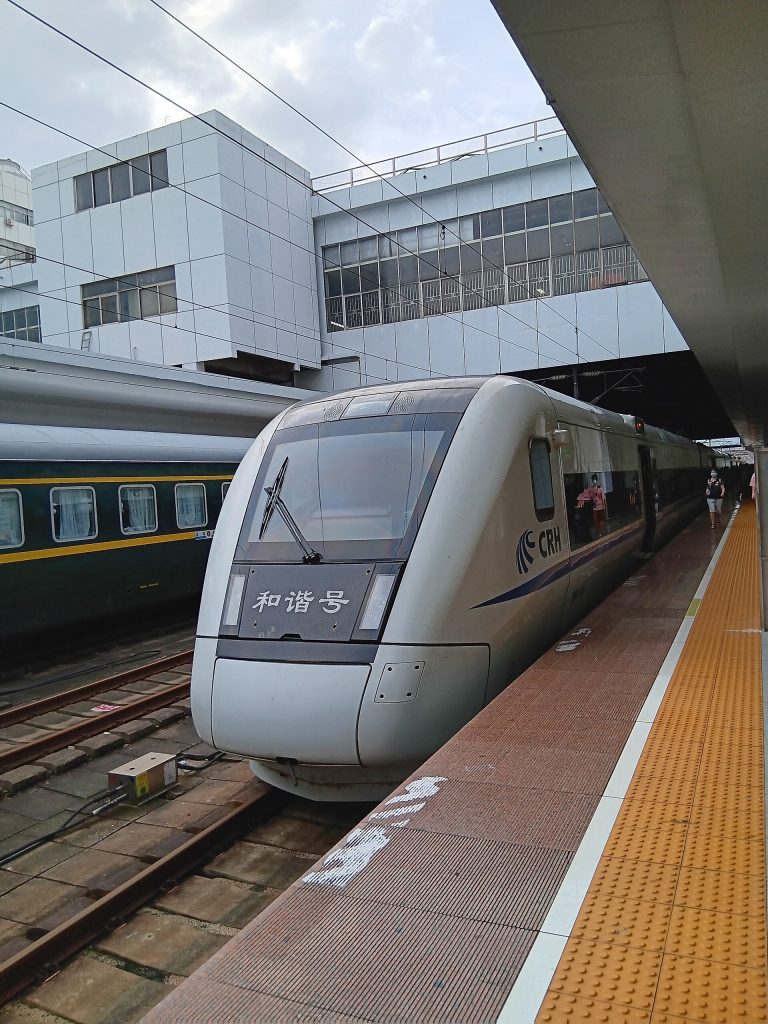
Booking China Train Tickets on 12306 as a Foreigner in 2026
Navigating China’s high-speed rail network is one of the highlights of traveling through the country. It is fast, remarkably punctual, and covers thousands of miles connecting megacities and rural cultural hubs alike. For years, booking these tickets as an international traveler meant relying on third-party agencies with heavy service fees or waiting in long station lines upon arrival.
Today, the official Railway 12306 platform (available via its English mobile app and official website) officially supports foreign passports, direct digital payments, and self-service verification. However, the system still has unique quirks regarding foreign passport verification, name formatting, and real-name registration rules.
In this comprehensive guide, we walk through everything you need to know to book China train tickets directly on 12306 as a foreigner, avoiding common pitfalls and ensuring a seamless journey across the rails.
—
Direct Answer: Can Foreigners Use 12306 Directly?
Yes, absolutely. Foreign travelers can use the official Railway 12306 app and website to search schedules, book tickets, select seats, and pay using international credit cards or major digital wallets like Alipay and WeChat Pay.
The primary catch is that your foreign passport must undergo a one-time identity verification either digitally inside the app or manually at a railway station ticket window before you can successfully complete bookings. Once verified, you can book tickets independently without paying third-party markups.
—
Getting Started: Setting Up Your 12306 Account
Before you can purchase tickets for high-speed trains (G, D, and C trains) or conventional sleeper trains (Z, T, and K trains), you need to set up your profile correctly.
1. Download the Official App
Search for “Railway 12306” in your device’s app store. Ensure you download the official app managed by China Railway (look for the official blue logo with the 12306 motif). Switch the language setting to English via the app settings menu if it does not default automatically.
2. Register with Your Passport Details
Create an account using an active email address or a phone number capable of receiving international verification SMS codes. When entering your personal details:
* Name Order: Pay strict attention to the order of your first and last name. Ensure it matches the Machine Readable Zone (the bottom text lines) of your passport precisely. If your passport lists your surname first followed by given names, input them in that exact order, or use the app’s guidelines for spacing.
* ID Type: Select “Permanent Residence Permit for Aliens” or “Foreign Passport” depending on your exact document type.
* Passport Number: Enter your passport number without spaces or special characters.
3. Complete Identity Verification
Once registered, your account status will typically show as “Pending Verification” or “Not Verified” for ticket purchases involving foreign passengers. You can complete verification through:
* In-App Verification: Modern updates to the 12306 app allow foreign users to upload a photo of their passport and complete a facial recognition scan directly in-app.
* Manual Station Verification: If digital verification fails or flags an error, you can visit any manned ticket window at a Chinese railway station with your physical passport. Station agents can verify your account in seconds.
For a smoother digital onboarding experience, make sure your mobile data connection is stable. Travelers often set up their connectivity solutions before arrival; review our guide on China SIM and eSIM for foreign visitors 2026 to stay connected right from touchdown.
—
Step-by-Step: How to Search and Book Tickets
Once your passport is verified and your payment method is linked, booking a ticket is straightforward.
1. Enter Your Route and Date: Input your departure station and arrival station (use Chinese pinyin or English names; the app usually auto-suggests correct stations). Select your travel date. Note that tickets typically go on sale 15 days in advance of departure, though peak holiday windows (like Golden Week or Chinese New Year) may have adjusted pre-sale schedules.
2. Filter Train Types: Choose between high-speed bullet trains (G/D/C) or slower conventional trains. For most travelers, high-speed rail is the preferred choice due to speed, comfort, and frequency.
3. Select Seat Classes:
* Second Class: The standard, most popular option featuring comfortable 3+2 row seating.
* First Class: Wider seats in a 2+2 layout with more legroom.
* Business Class / Premier: Found on select high-speed sets, offering lie-flat reclining pods, lounge access, and premium snacks.
* Sleeper Options (Hard Sleeper / Soft Sleeper): Ideal for overnight conventional routes.
4. Add Passengers: Select your verified profile (and any travel companions whose passports are also linked to your account).
5. Confirm and Pay: Proceed to checkout. You can pay using major international credit cards or via integrated mobile wallets. If you already use local payment apps, check out our guide on Alipay and WeChat Pay for foreign visitors to ensure your funding sources are properly linked and verified before attempting high-value travel checkouts.
—
Actionable Tips for a Smooth Rail Journey
* Book Early for Peak Periods: High-speed rail tickets for major holidays, weekends, and summer travel sell out within minutes of release. Set a calendar reminder for 15 days prior to your intended travel date.
* Understand Station Names: Cities like Shanghai, Beijing, and Guangzhou have multiple major railway stations (e.g., Shanghai Railway Station, Shanghai Hongqiao, Shanghai South). Double-check your ticket to ensure you go to the correct station; arriving at the wrong terminal can easily cause you to miss your train.
* Arrive Early for Security Checks: Chinese railway stations feature airport-style security screening. We recommend arriving at the station at least 45 to 60 minutes before departure, especially during peak travel hours or at massive hubs like Beijing South or Guangzhou South.
* Keep Your Passport Handy: Your physical passport is your ticket. You do not need a paper ticket or a printed booking confirmation in most cases. You can tap or scan your physical passport directly at the automated station turnstiles for both entry and exit.
Navigating your arrival into the country smoothly helps set up your entire itinerary. For tips on clearing customs, transit, and getting your digital life in order upon landing, look over Airport arrival in China for foreigners 2026.
—
Frequently Asked Questions
1. Can I book tickets for other foreign travelers using my 12306 account?
Yes. You can add up to a specific number of secondary passengers (family members or travel companions) to your 12306 account. However, each passenger’s passport must also be individually registered and verified within the system before you can purchase tickets on their behalf.
2. Do I need to print out a physical paper ticket?
Generally, no. China’s railway network operates on an e-ticket system. Your physical passport acts as your ticket. You simply scan your passport at the entry gates and exit gates. If you require a reimbursement receipt for corporate or personal accounting, you can print one out at any station ticket window or self-service machine before leaving the station.
3. What happens if my train is delayed or cancelled?
If a train is delayed or cancelled by China Railway, you are entitled to a full refund without any penalty fees. You can process refunds directly through the 12306 app under your order history, or visit a service counter at the station. If you miss your train due to personal reasons, some tickets allow a one-time change (endorsement) to a later train on the same day, subject to seat availability.
4. Can I use international credit cards on 12306?
Yes, the official 12306 platform accepts major international credit and debit cards (such as Visa, Mastercard, and American Express). However, double-check that your bank allows international transactions and that your mobile banking app is ready to approve any 3D Secure verification prompts during checkout.
5. Why is my name showing an error during registration?
<!–
title: Booking China Train Tickets on 12306 as a Foreigner 2026
slug: china-12306-train-booking-foreigners-2026
category: People
focus: 12306 train booking foreigners 2026
meta: Book China high-speed rail tickets on 12306 as a foreigner in 2026: passport registration, English site tips, seat types, collecting tickets, and common booking mistakes.
cover_alt: China high-speed train at a modern railway station platform
cover_credit: Photo: Timothytyy / Wikimedia Commons (CC BY-SA 4.0)
–>
Name formatting errors are the most common hurdle for foreign users on 12306. Ensure you omit punctuation marks, commas, or unexpected spaces. If your passport includes middle names, ensure they are entered in the exact order and spacing shown in the machine-readable zone at the bottom of your passport data page.